Card-present giving, built for church traffic

The kiosk is the part people can see: a tablet on a stand, a contactless reader, and a simple flow that works before service, after the appeal, at the parish office, or beside an event registration table.

It matters because not every giver starts online. Some arrive ready to give while they are physically in the building, and they need a trusted, fast way to do it without downloading an app or asking staff for a link.

Foyer, narthex, welcome desk, parish office, fellowship hall, event table
Works for Sunday offerings, building funds, missions, registrations, and appeals
Every kiosk gift lands in the same dashboard, profile, statement, and initiative total
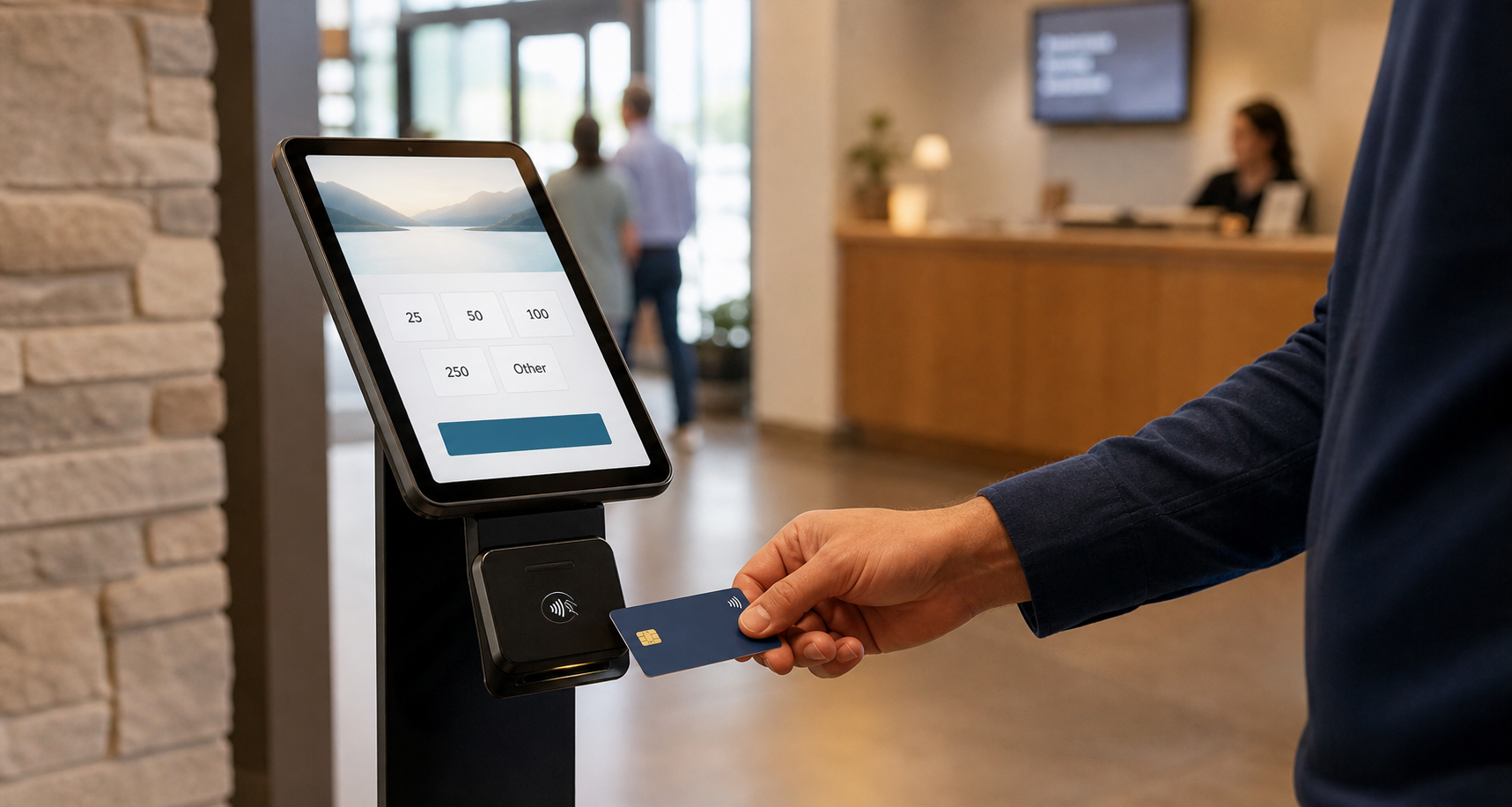
A giver taps a card at a tablet giving kiosk in a church foyer
Tablet kiosk on a stand with a contactless reader — a giving moment built for the room.

The 3-tap gift flow

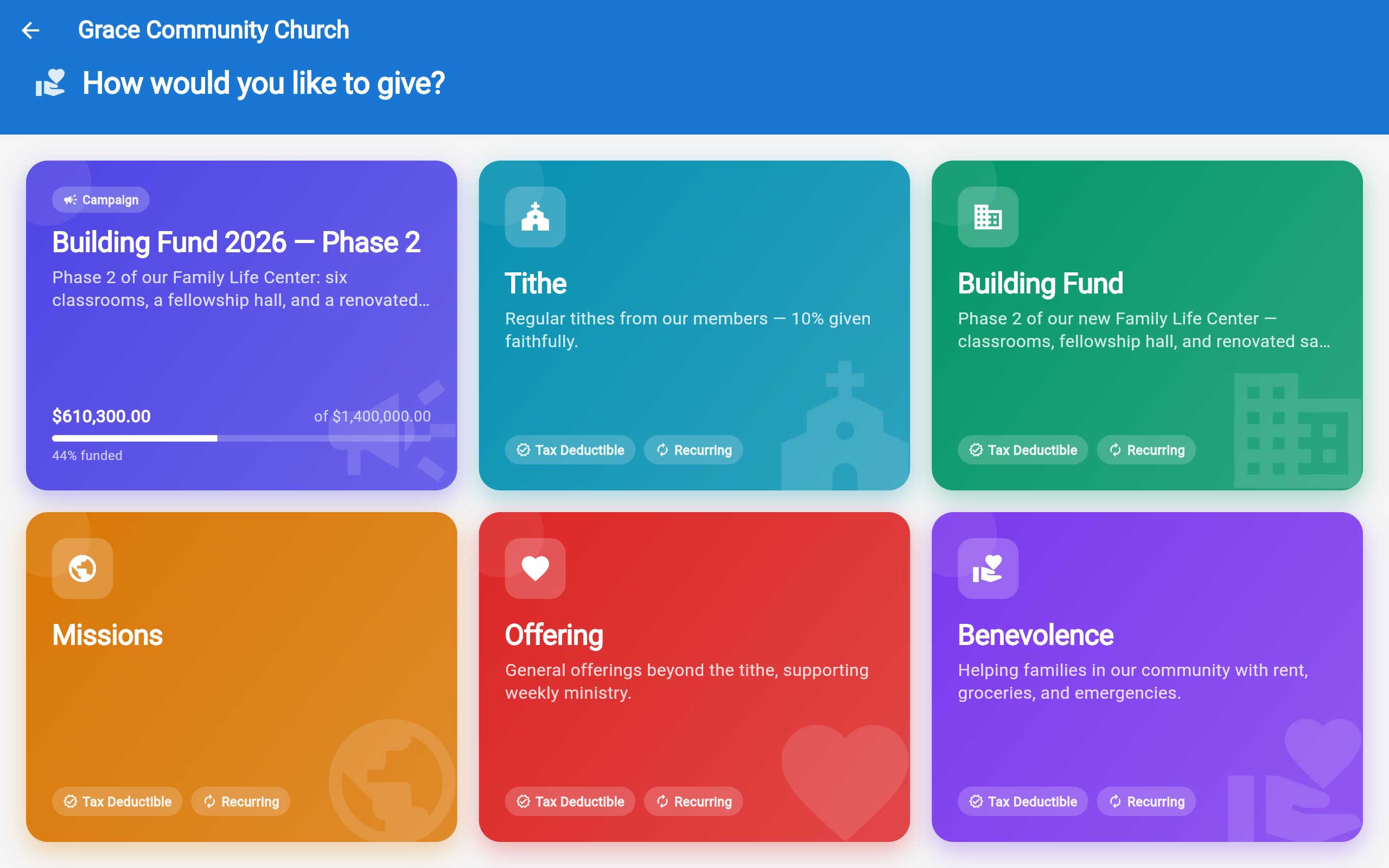
Kiosk fund selection
Choose a Fund
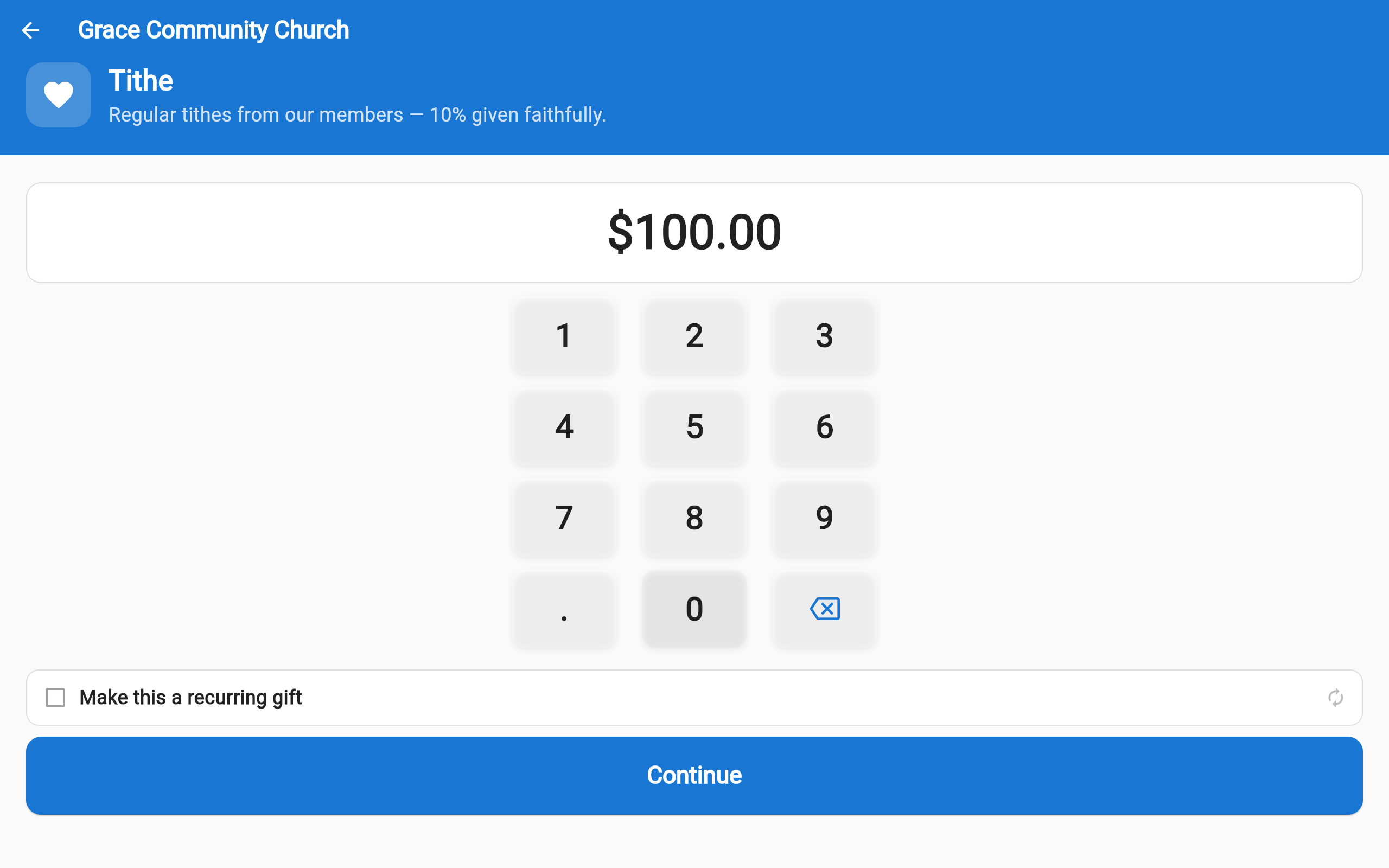
Kiosk amount selection with $100 highlighted
Pick an Amount
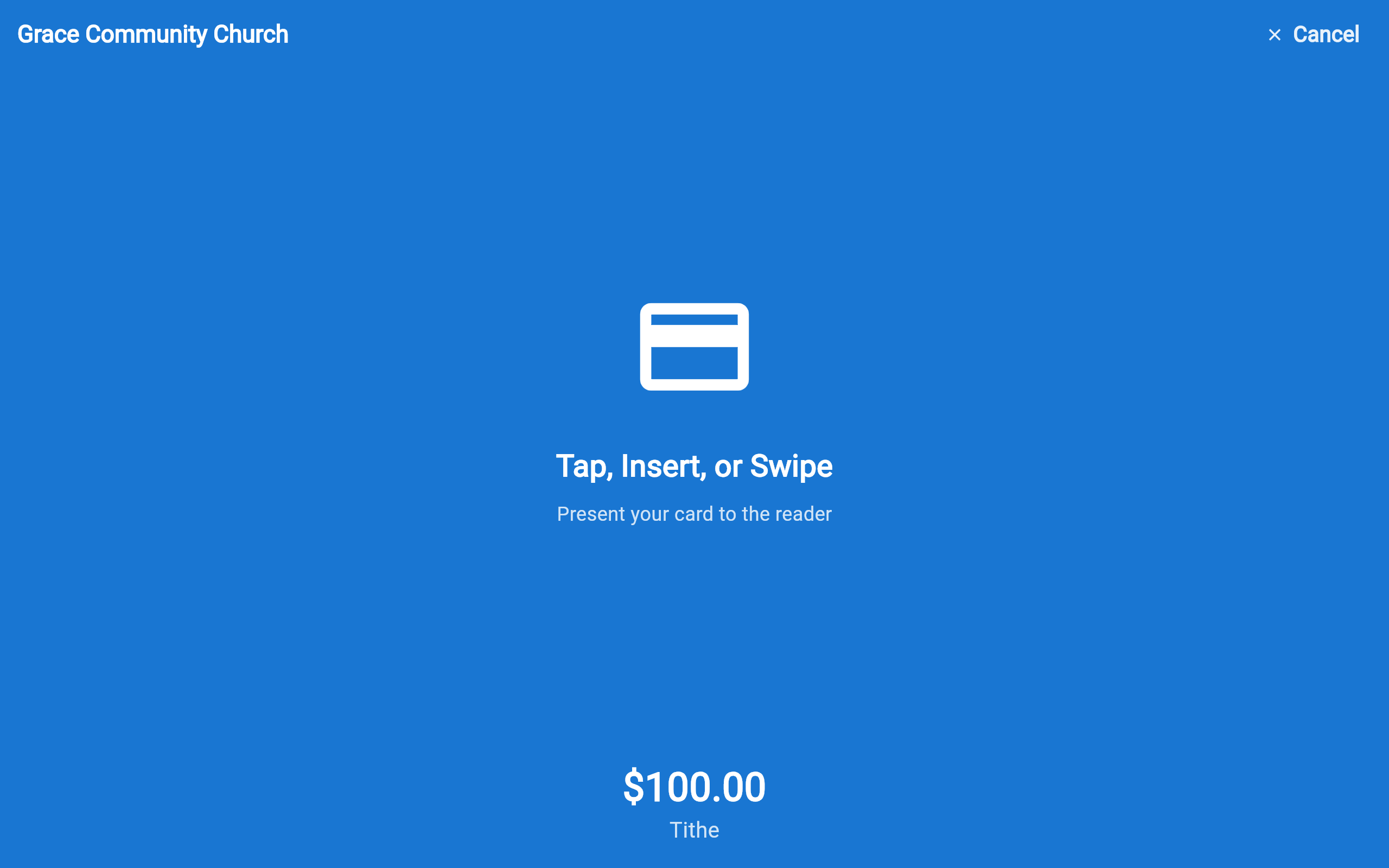
Kiosk processing payment
Tap to Pay

Any Android phone becomes an overflow kiosk

Commitment Sunday. Christmas Eve. Easter morning. The foyer line at the kiosk grows — so with the included brand mobile app, an usher opens the AloraChurch app on their Android phone, switches it to kiosk mode, and starts receiving gifts with Tap to Pay. The giver taps their card or phone on the usher's phone. Done.

No card reader, no tablet, no stand — just the phone already in the usher's pocket. It's also the lightest way to try in-person giving before you buy any hardware at all.

Tap to Pay on NFC Android phones — the giver taps their own card
Same 3-tap flow, same funds, same dashboard as the tablet kiosk
Perfect for overflow services, parking-lot welcome teams, and event check-in
Kiosk mode keeps the usher's phone locked to giving while it's in service
Phone-as-kiosk · Tap to Pay
Grace Community Church
Building Fund · Phase 2
$100.00
📳
Hold card to phone
Tap, phone, or watch — contactless

An usher's Android phone, locked to the gift flow

💳

Stripe WisePOS E + Reader M2

Tap, chip, and contactless payments via Stripe Terminal — the WisePOS E countertop reader or the compact Reader M2. PCI-compliant; card data never touches the tablet.

🔒

Lock-task mode + PIN

The app auto-launches on boot, locks to full-screen, and requires a staff PIN to exit. No accidental navigation, no wandering off into other apps.

📡

Offline queue

WiFi drops during the service? Gifts queue locally and sync automatically when connectivity returns. A configurable alert threshold tells staff before the queue grows.

🎨

Branded idle screen

Your church's name, logo, and colors on every screen — and the idle screen can show your building initiative's live progress, inviting the next gift while no one is tapping.

🏛️

Multi-campus fleet management

Run a kiosk fleet across every campus and lobby. Monitor health, battery, reader status, and offline queue depth per device — all from one dashboard, in real time.

📂

Fund selection on device

Givers choose where their gift goes before tapping — tithe, missions, building fund. Funds are pulled live from your dashboard settings; add, reorder, or hide them without touching the tablet.

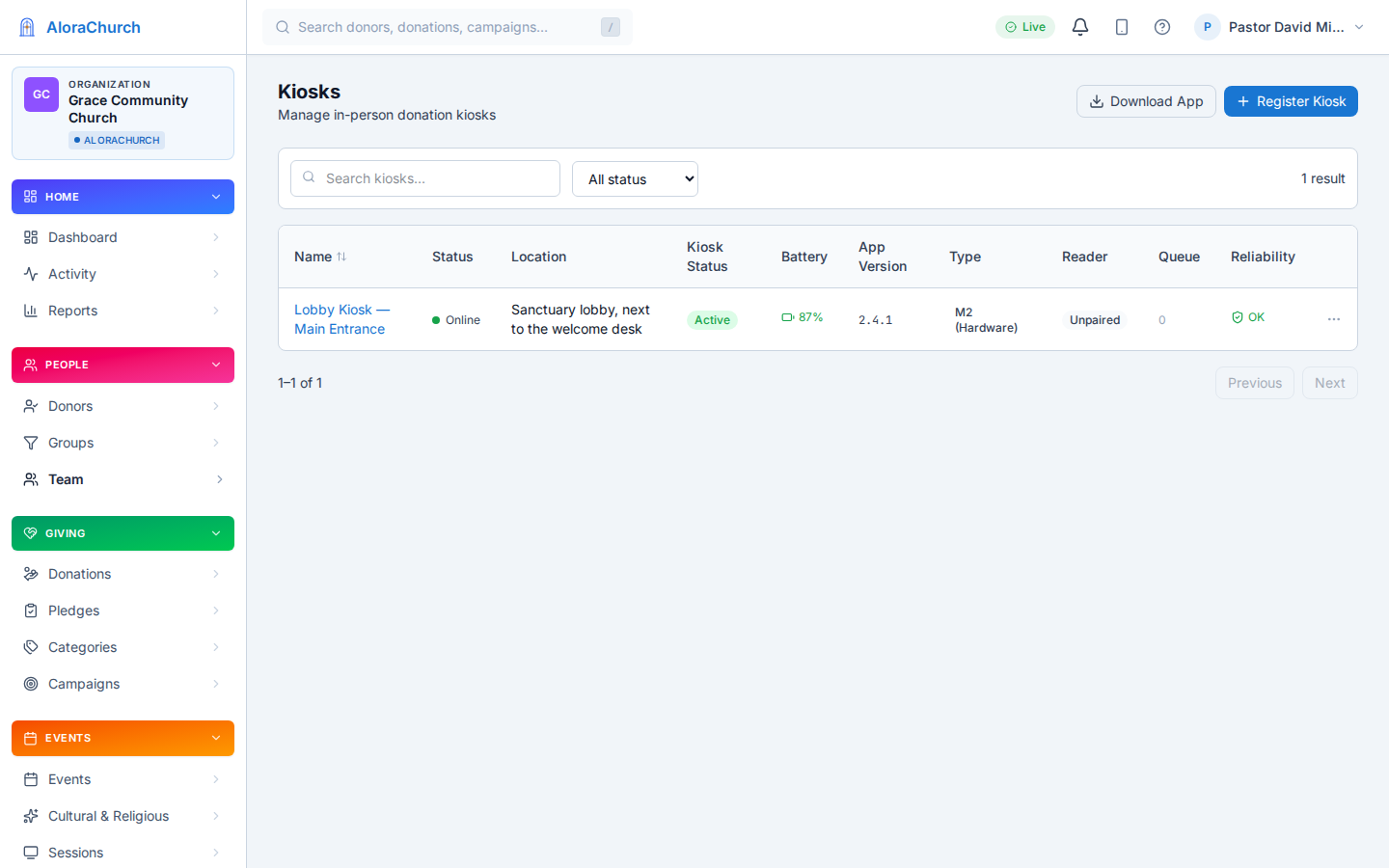
Manage from the dashboard

Admin dashboard showing kiosk health, reader status, and offline queue

Monitor kiosk health, reader status, and offline queue from one dashboard

Kiosks at live giving events

Commitment Sundays, building-fund galas, missions giving days — place kiosks at the doors, the welcome desk, and the fellowship hall. Every tap feeds the same initiative goal in real time, alongside gifts arriving online and from the live giving screen.

🎯

Live thermometer on the idle screen

Between gifts, the kiosk shows the initiative's progress — the congregation sees how close you are to the goal and feels the momentum building.

📡

Multiple kiosks, one initiative

Deploy 2, 5, or 10 kiosks across campuses and entrances — plus ushers' phones as overflow. Every gift from every device counts toward the same goal.

Fast checkout — 15 seconds

Fund → amount → tap card. No forms, no email required. The giver is done in under 15 seconds — perfect for the minutes between services.

More on live giving events →

What you need

An Android tablet (8" or larger recommended), a Stripe Terminal card reader (Stripe WisePOS E or Reader M2), and WiFi. That's it — Community includes your first kiosk license; Enterprise includes 10 kiosk/signage device licenses; additional devices are $9.95/device/month. With the included brand mobile app, an NFC Android phone with Tap to Pay can serve as an overflow kiosk.

See what's included in each tier →