Links and QR codes, used well

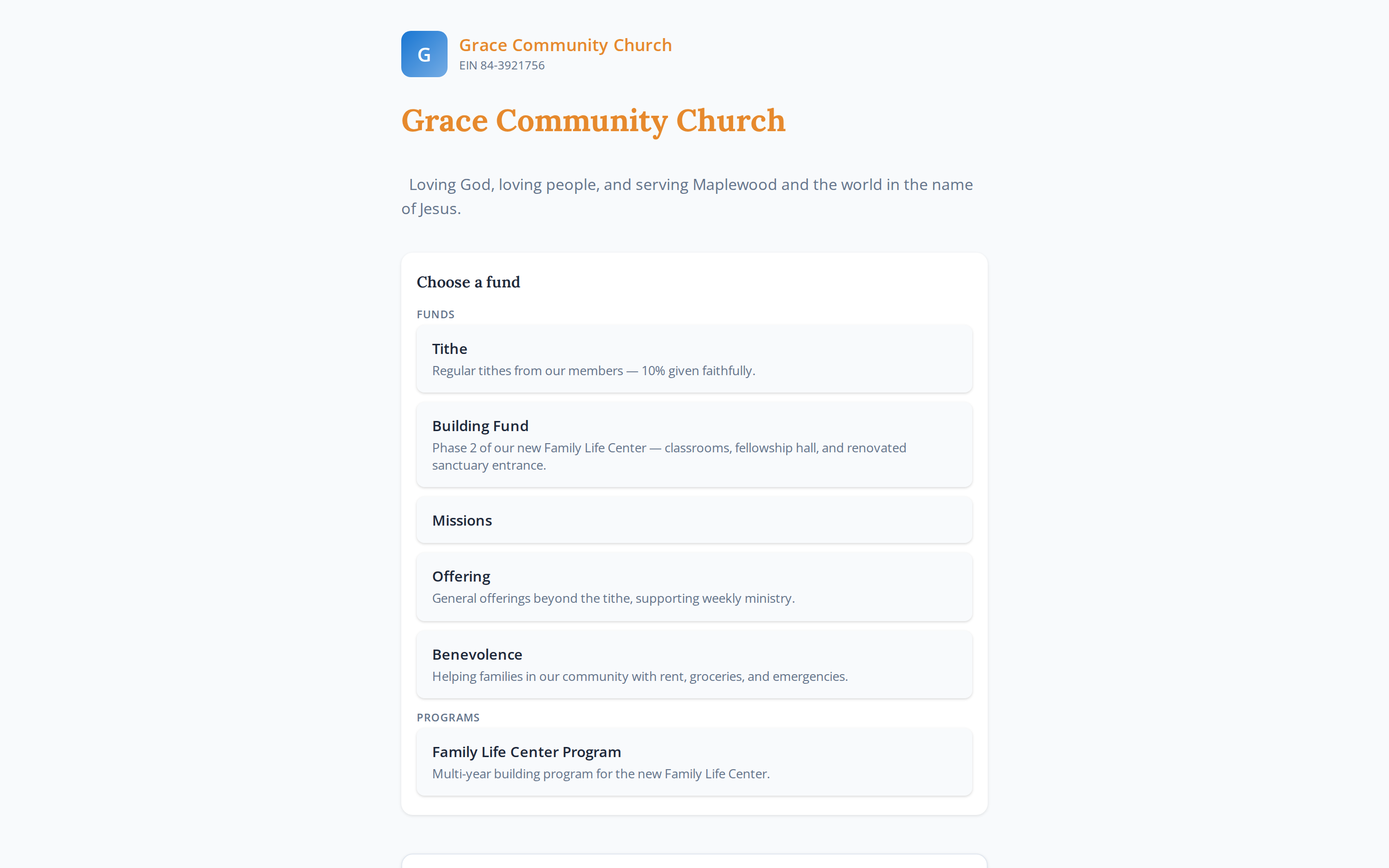
We don't claim a WhatsApp integration — you don't need one. What makes social giving work isn't a connector; it's what's behind the link: a mobile-first giving page where a first gift takes under a minute, no account required. Put that link where your congregation already talks, and generosity follows the conversation.

Drop the week's initiative into the group chat

Most churches already have a WhatsApp or Facebook community where the real week-to-week life happens. Share the giving page's short link there with the week's initiative — the roof repair, the missions trip, the benevolence fund — and the page's preview card does the rest. A member is two taps from the conversation to the gift.

Social-share metadata means the link unfurls into a proper preview card
Post a rhythm, not a barrage — the week's initiative on Sunday evening, one midweek reminder
The QR code works here too — share it as an image for members who forward it on
Shareable links and QR — no bot, no API, no special integration needed
More on giving pages & share links →

The short link unfurls into a preview with live initiative progress

@gracecommunitychurch
Sundays at 9 & 11 · All are welcome
A church for the whole neighborhood

One link in the bio — always pointing home

Make the giving page your bio link

Instagram, Facebook, YouTube — every profile gets one link, and most churches spend it on a homepage nobody can give through. Make it your giving page instead. Set giving.at/grace in the bio once, and the page behind it carries your evergreen funds — tithe, missions, benevolence — alongside the current initiative and its live progress.

Short enough to read aloud, easy to remember, branded to your church
The page is mobile-first — built for the tap that comes from a phone profile
Visitors who found you on Sunday find your giving page on Tuesday
See giving pages & giving.at short links →

The bulletin and the lobby poster, QR-ready

Print is still the channel your whole congregation holds in their hands every Sunday. Every giving page ships with a print-ready QR code — put it in the bulletin footer, on the lobby poster, on pew cards, and on the slide during the offering. The member who never opens the church email scans the bulletin in the pew.

Print-ready QR files for every page and fund — no design work needed
The short link printed beside the QR, for those who'd rather type
One QR per initiative — the building-fund poster goes straight to the building fund
Back to all the ways to collect →
Grace Community Church
Sunday Bulletin · Third Sunday of Easter
Give where you sit
Scan the code or visit giving.at/grace

The bulletin footer — the analog bridge to digital giving

0:58
Sunday in 60 seconds — “A Generous People”
From this week's message on stewardship. Support the missions team heading to Guatemala:

Every clip carries the link — in the caption, the pinned comment, or an end-card QR

Pair every clip and post with the giving link

The 60-second sermon clip is how churches reach beyond the building now — and the moment it moves someone is the moment to make a response possible. Put the giving link in the caption, pin it in the comments, or close the clip with the QR on screen. Not every post, and never with pressure: when the content is about generosity, the link belongs there.

One short link per initiative — the missions clip points to the missions fund
Shared links look right — title, image, and progress from the page's social metadata
AI can draft the appeal copy for the page itself — your staff approves it first
How AI drafting works →

Run ads straight to a giving page that's ready

When the building initiative needs to reach beyond the membership — alumni, the neighborhood, the wider community — a modest Meta or Google ad can carry it there. The hard part of ad campaigns is usually the landing page. Yours already exists: an initiative-linked giving page with live progress, gift-ready out of the box, mobile-first for the tap that comes from a feed.

No landing-page project — the giving page is the landing page
Live progress on the page — arriving visitors see a goal in motion, not a static ask
Short links and QR codes are trackable — see which placements actually carry gifts
A first gift needs no account — the ad click isn't wasted on a signup wall
More on initiatives & goals →
An initiative-linked giving page with live progress — the ad's landing page
The ad's destination — an initiative-linked giving page with live progress

What makes the link worth sharing

Every play on this page ends at the same place: the giving page. It's built for the person arriving from a chat, a bio, a bulletin, or an ad — on a phone, mid-scroll, with thirty seconds of attention.

📱

Mobile-first by design

The page is built for the phone it will almost always be opened on — fast, legible, one-thumb friendly, with your church's branding throughout.

🚪

No account for a first gift

A first-time giver gives in under a minute, no password and no signup wall. Their My Giving space is created from the gift itself, ready when they return.

👋

Returning givers recognized

When a giver comes back through any link, the page recognizes them — their details ready, their giving one tap shorter. Familiarity is the best conversion tool.

💝

Cover the fees

Givers can add the processing fee to their gift at checkout, so the full amount they intend reaches the fund they chose.

No API keys. Nothing to break.

Everything on this page is links, QR codes, and giving pages — used well. There's no platform connector that can change its terms or stop working on a Saturday night. And every gift these plays bring in lands in the same fund-separated ledger as Sunday's offering, with receipts and year-end statements handled per giver.

See every way to collect →  ·  Giving pages in depth →